Connect IOs with your scene
The Wandelbots NOVA extension supports Action Graph, a visual scripting tool that adds logic to your NVIDIA Isaac Sim scenes. Action Graph uses OmniGraph nodes to enrich scenes with actions and reactions triggered by events.
With Action Graph, you can manipulate prim attributes to
- Toggle a conveyor belt,
- Change the emission of a texture (e.g., simulating a traffic light),
- Use trigger volumes to write the state of an IO on collision shape contact and many more.
Quickstart
Learn NVIDIA Isaac Sim Action Graph basics
Before using Wandelbots NOVA nodes, make sure you’re familiar with the Action Graph fundamentals .
Prepare simulation environment
To use one of the provided nodes, add a robot from the asset pack available in the Developer Portal download center or from Wandelbots’ GitHub. This robot serves as the configuration source for all data provided by the node.
Connect robot controller with NVIDIA Isaac Sim
Our OmniGraph Nodes require a established connection between Wandelbots NOVA and NVIDIA Isaac Sim. Therefore please connect your NVIDIA Isaac Sim instance with Wandelbots NOVA with the Connected Instances feature.
Trigger IOs
Use Robot Controller IOs
Please note that only virtual input signals can be manipulated in the simulation. Physical input signals are read-only.
You can interact with robot controller IOs in your simulation using e.g. the Python SDK.
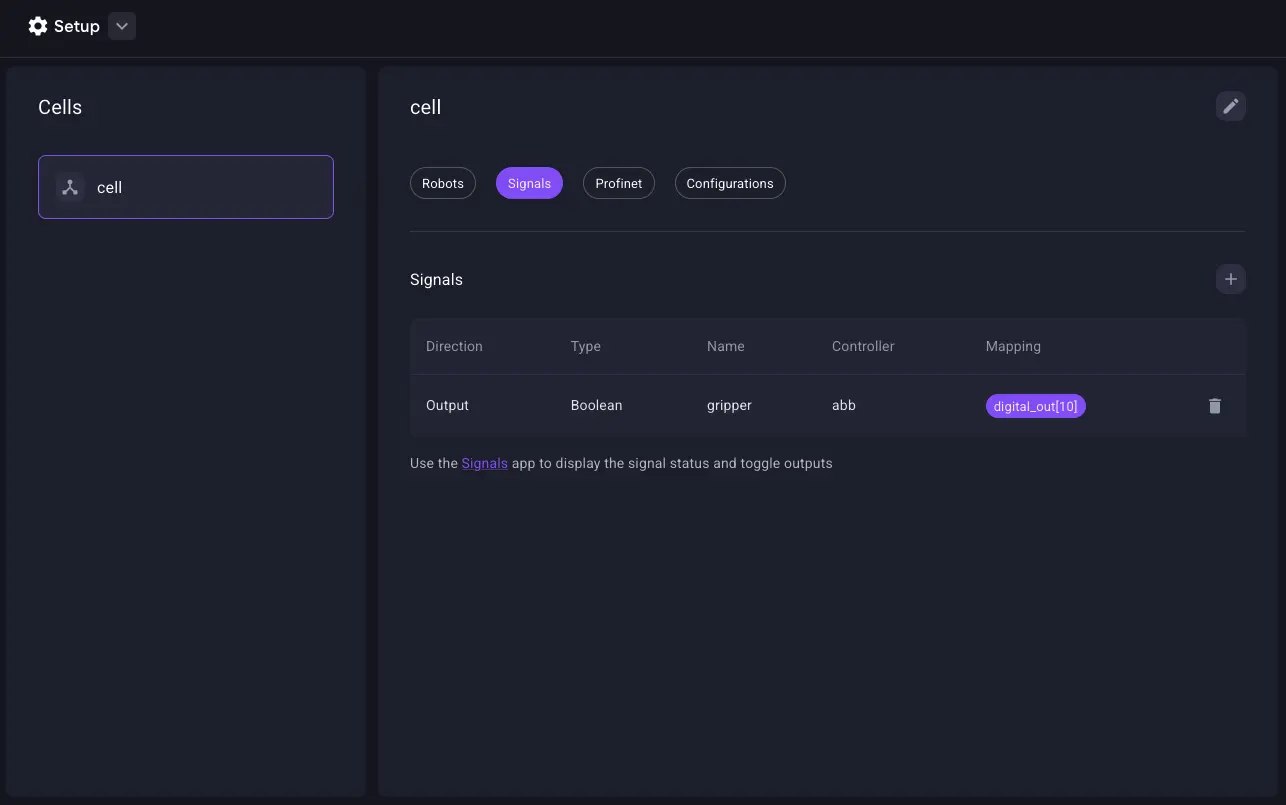
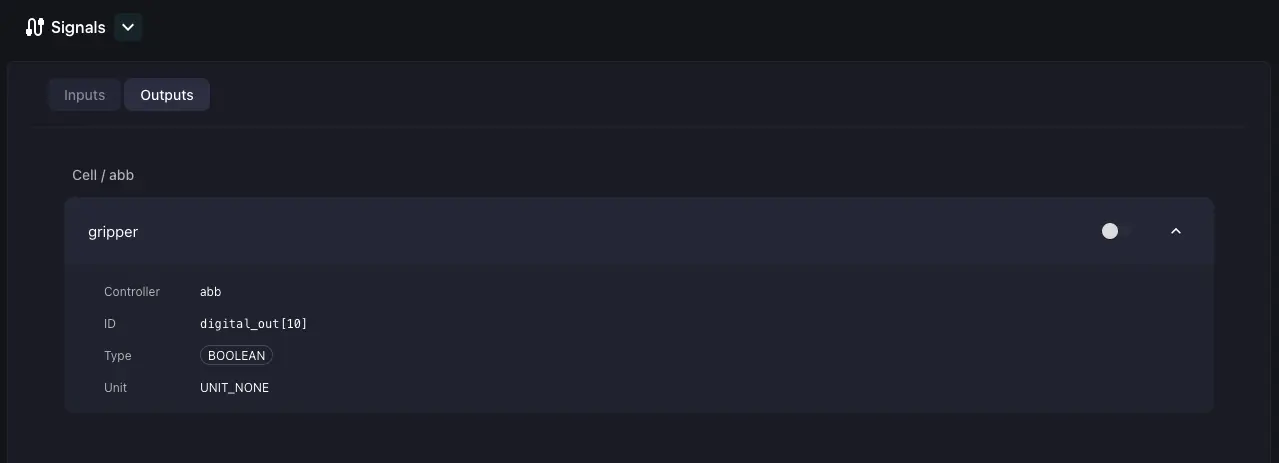
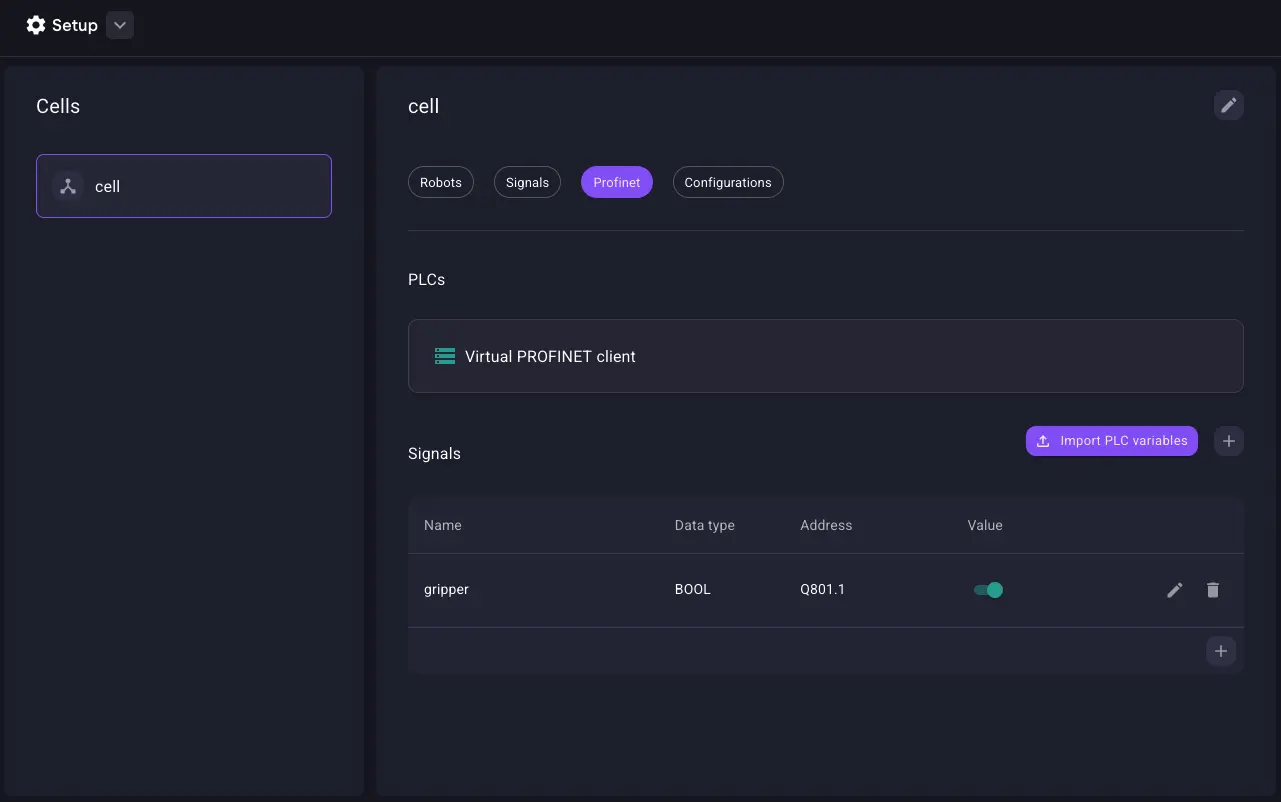
Alternatively you can also download the Signals App from the Store and set up IO signals via the Setup app. This allows you to trigger IOs without coding.
Dive deeper into OmniGraph Nodes
Read through the sections below to get started with OmniGraph nodes (OGN). For additional resources, see further reads.
Robot controller IOs
Wandelbots NOVA provides a set of OmniGraph nodes to interact with robot controller signals in NVIDIA Isaac Sim.
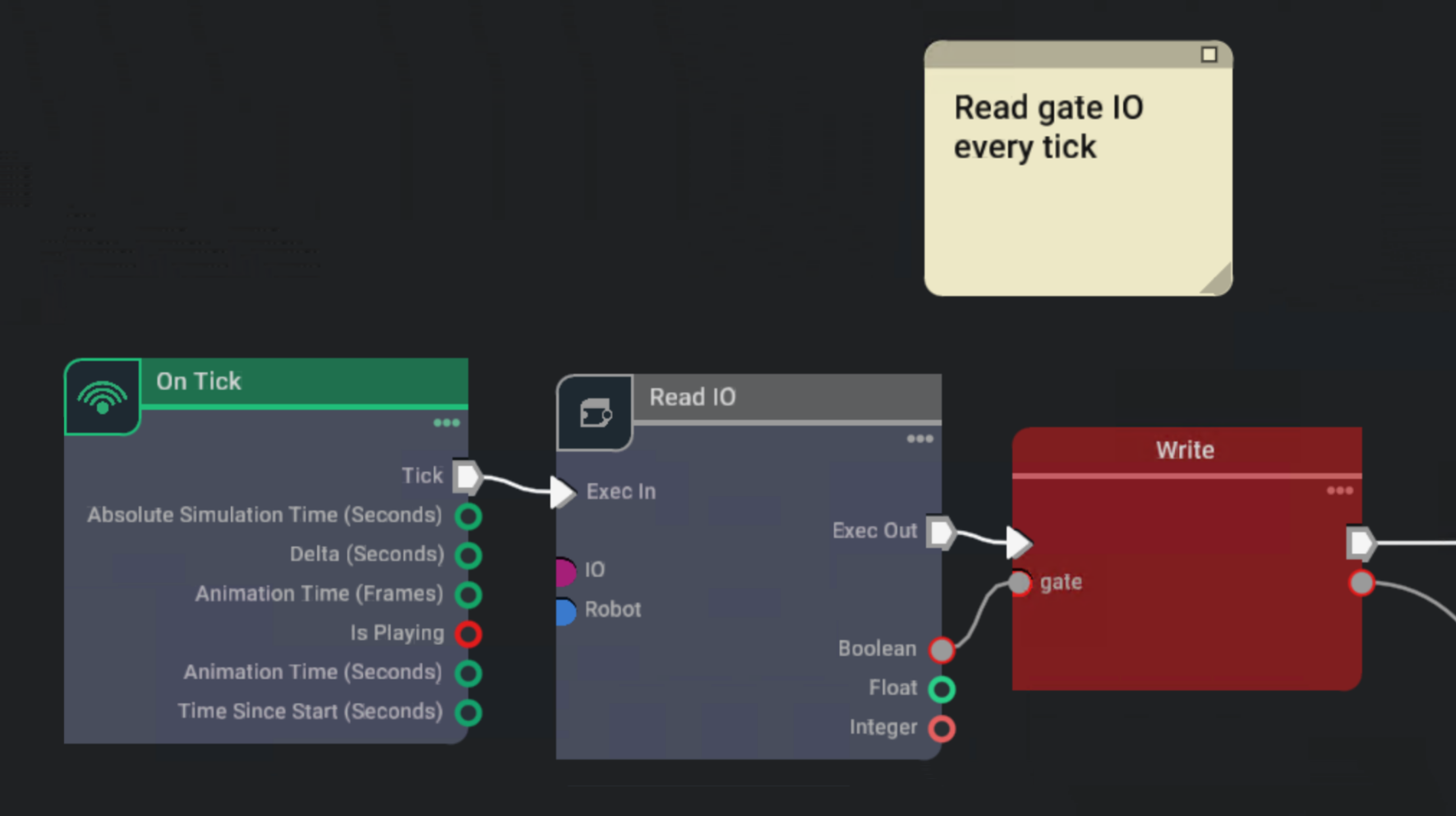
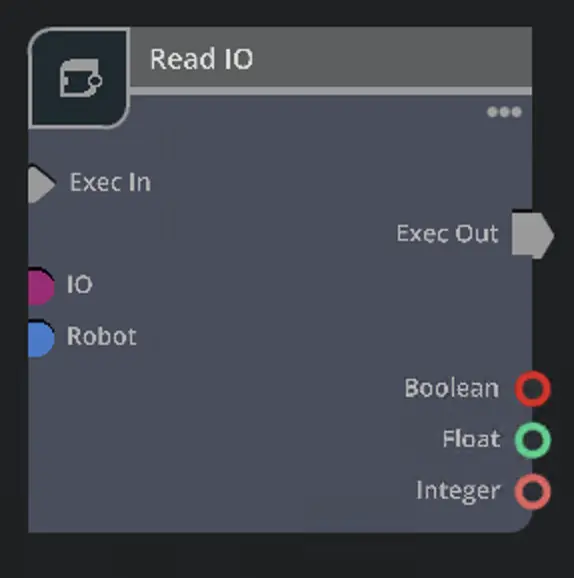
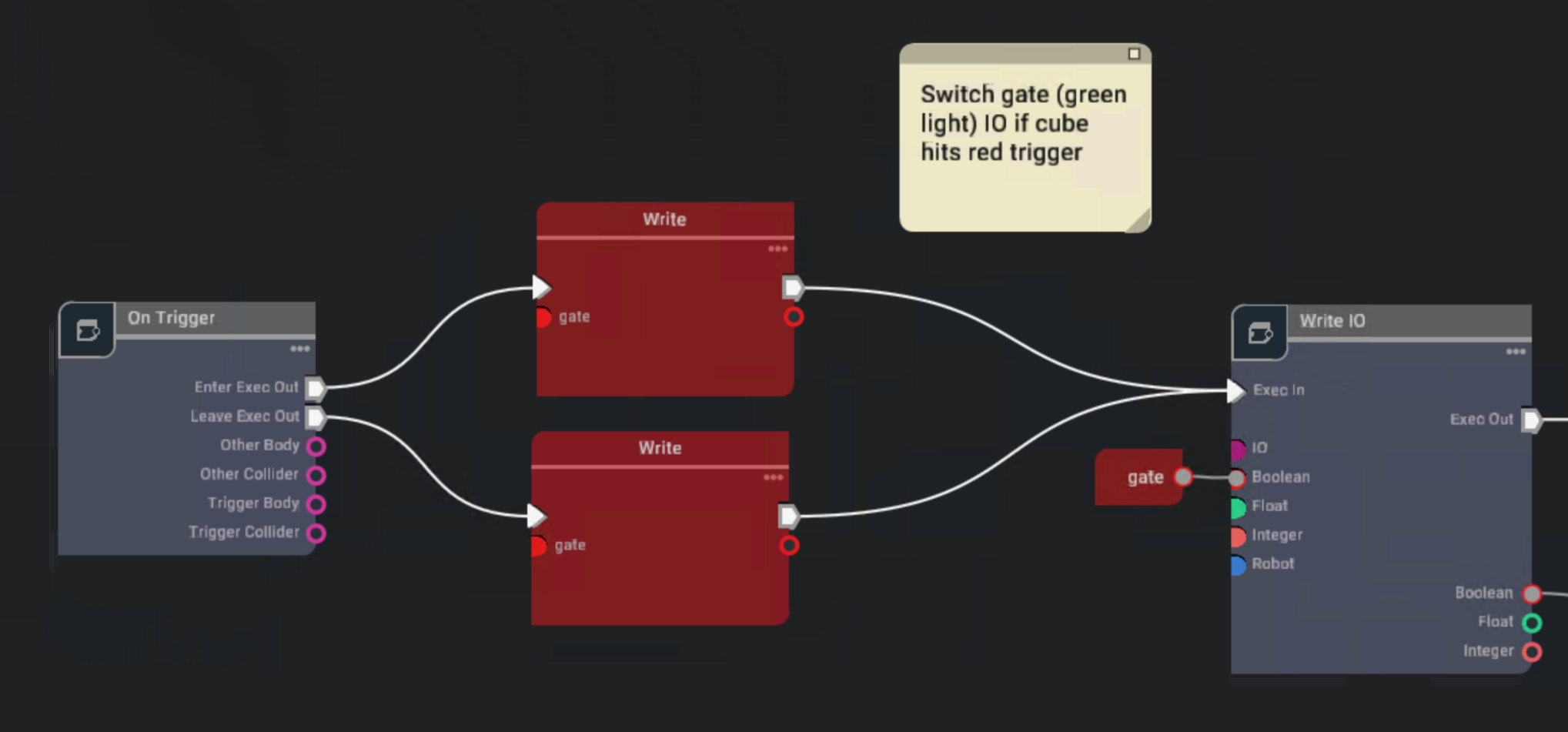
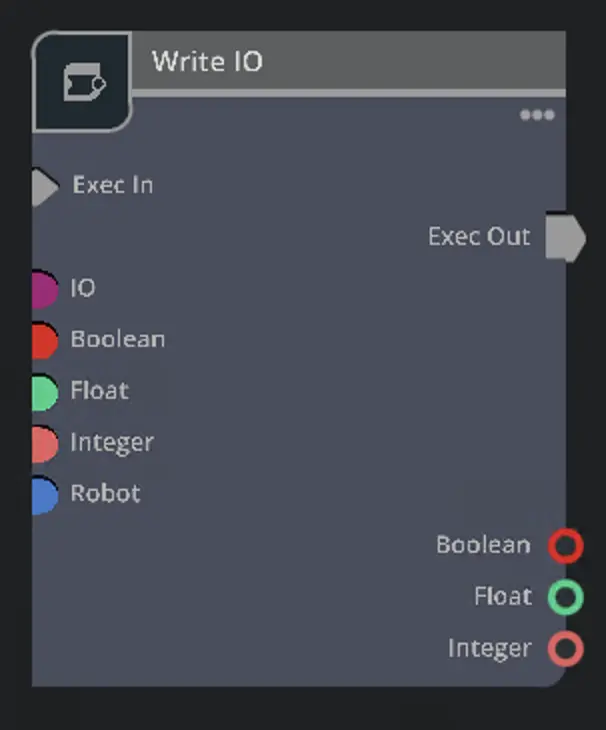
Interact with the IOs of the robot controller used in your simulation. The Wandelbots NOVA extension provides three nodes to interact with robot controller IOs in Action Graph:
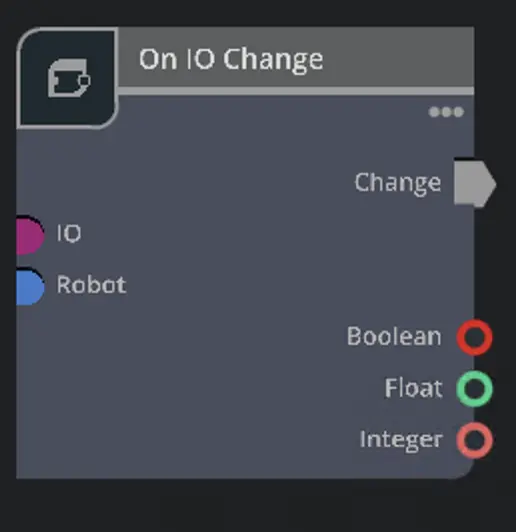
On IO Change
On IO Change Node
On IO Change provides an interface to trigger graph actions if the selected IO value changes.
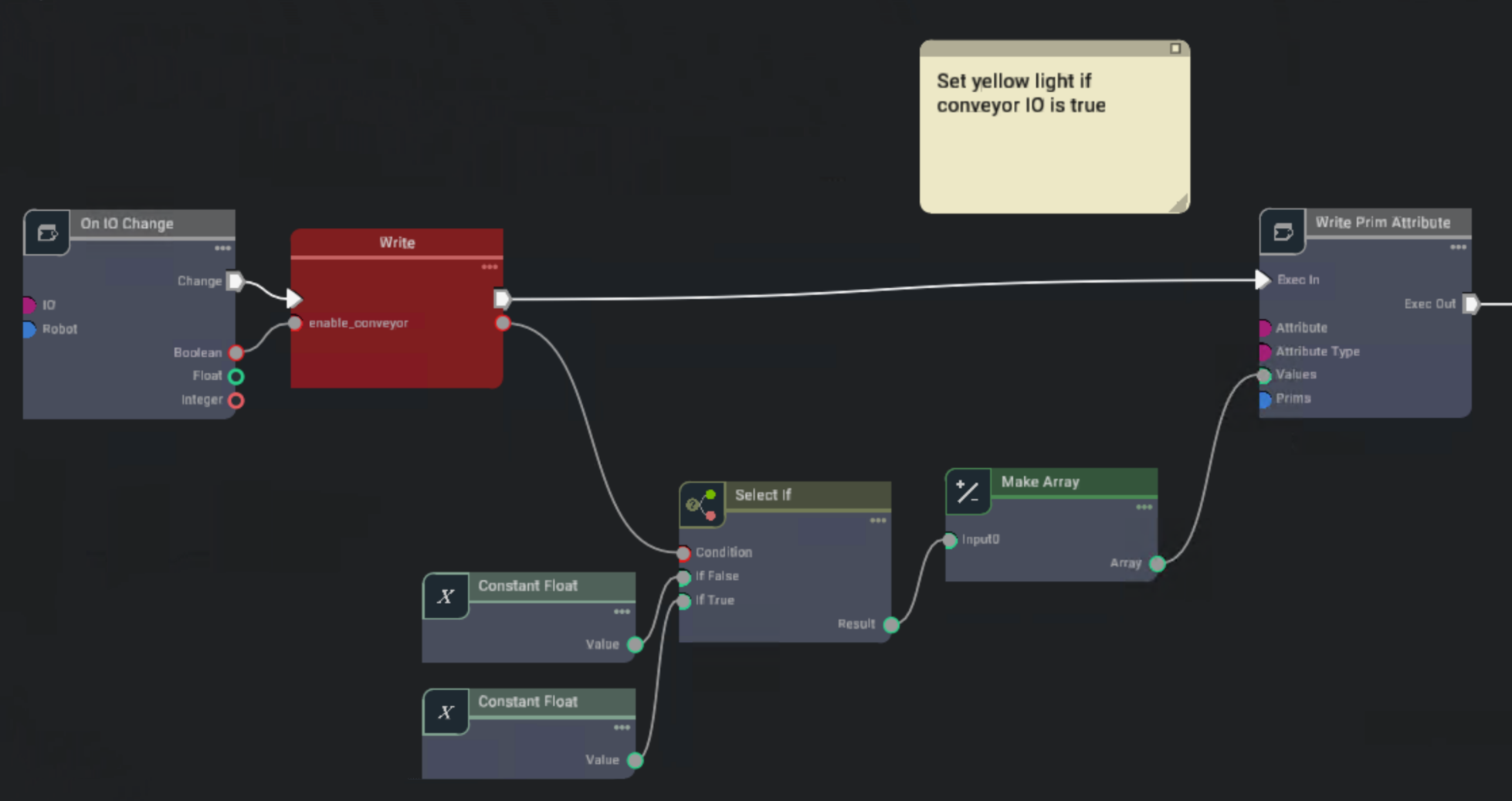
This examples shows how an IO change triggers a write to a shared enable_conveyor variable and the change of a prim attribute
based on truthfulness.
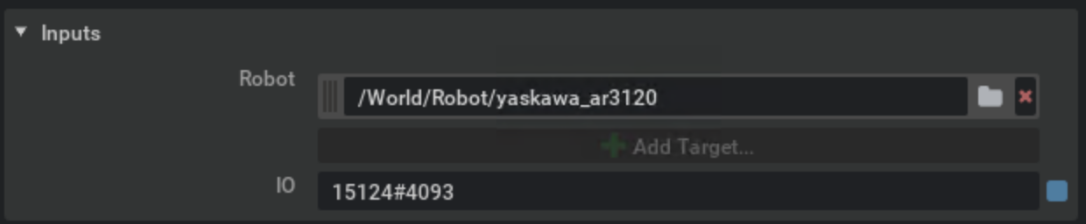
Inputs
The node needs a running timeline to serve the requested IO data as well as a controller which is fetched from the robot controller root from the scene graph. The IO describes the IO which will be watched.
Outputs
The outputs are limited by the provided IO type. Make sure to connect the right output value type as this is the only one which gets updated.
Bus IOs
Wandelbots NOVA provides a set of OmniGraph nodes to interact with Bus signals, e.g., Profinet, in NVIDIA Isaac Sim.
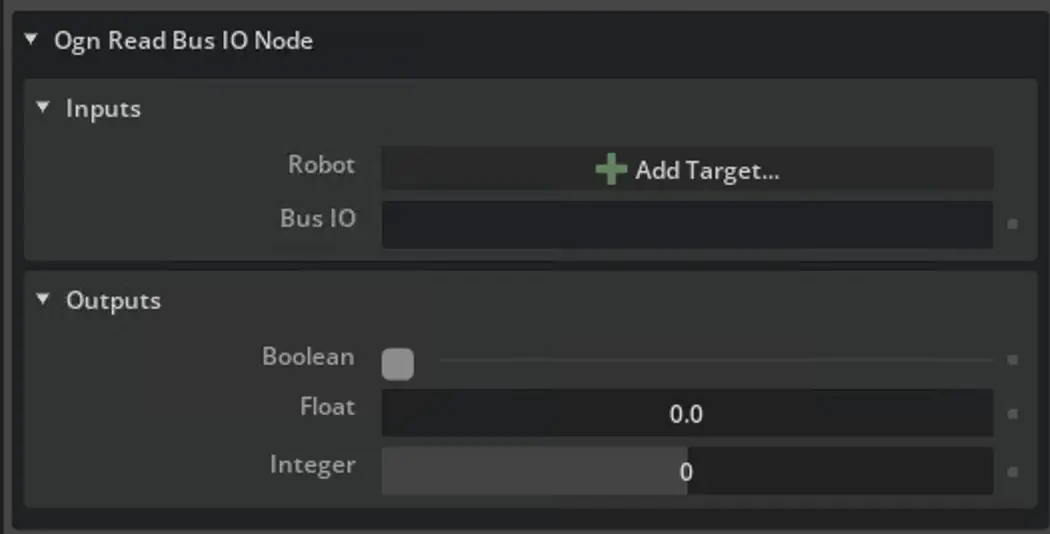
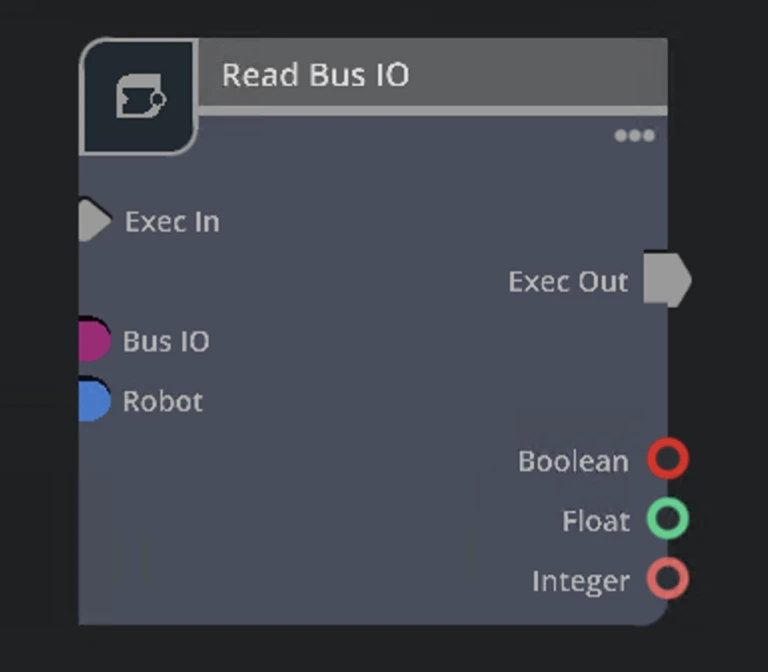
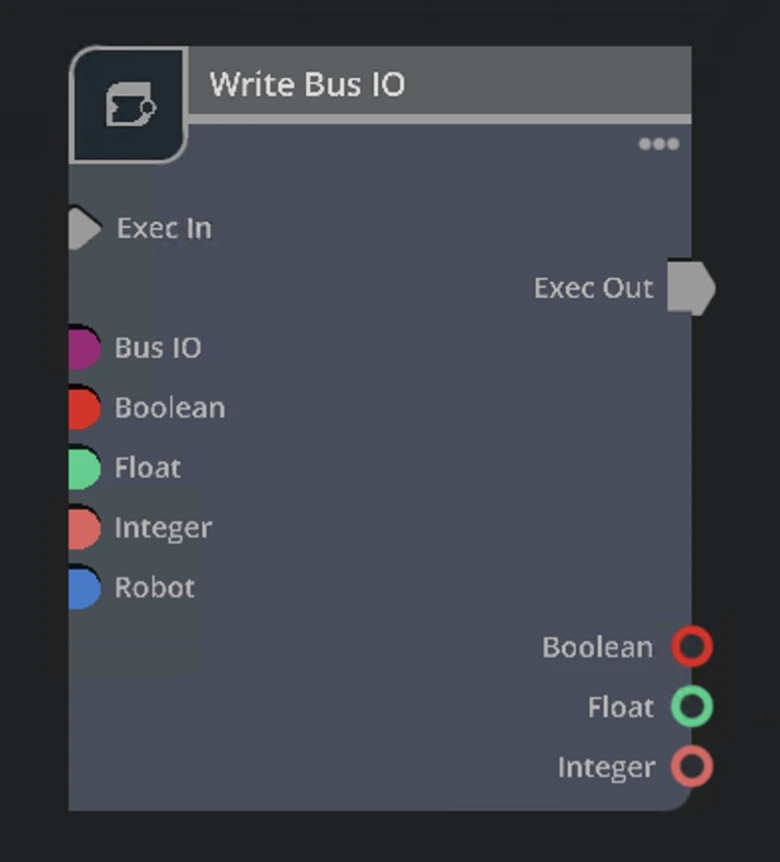
Bus IOs are used to communicate with external devices via fieldbus protocols like Profinet. The Wandelbots NOVA extension provides three nodes to interact with Bus IOs in Action Graph:
On Bus IO Change
On Bus IO Change Node
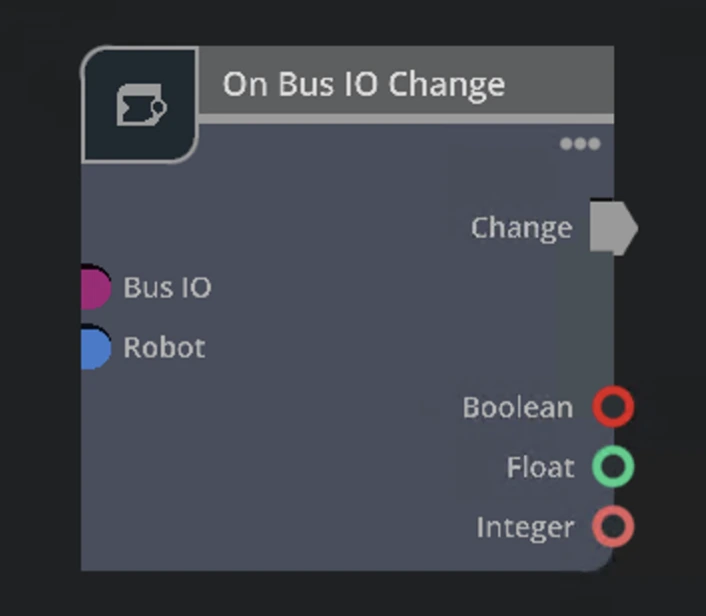
The On Bus IO Change node provides an interface to trigger graph actions if the selected IO value changes.
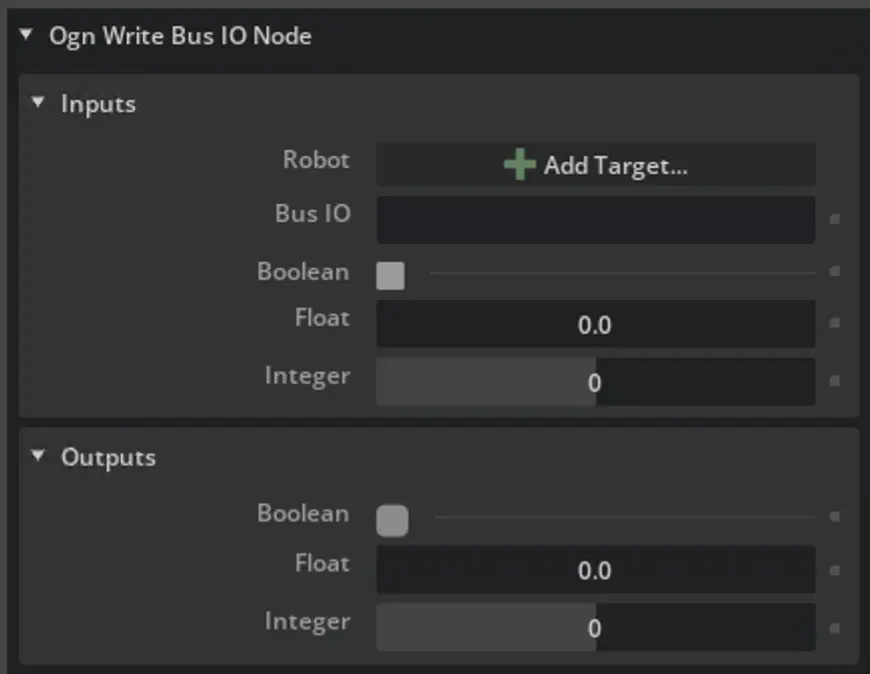
Inputs
The node needs a running timeline to serve the requested Bus IO data as well as a controller which is fetched from the robot controller root from the scene graph. The IO describes the IO which will be watched.
Outputs
The outputs are limited by the provided IO type. Make sure to connect the right output value type as this is the only one which gets updated.
Further reads
Some of your burning questions have been left unanswered? Try out the search function or visit the FAQ page.